
Contribute
SpliceKit is open source and anyone can contribute to it.
In a world of large language models (LLMs), it's easier than ever.
Setting up GitHub
Download the free GitHub Desktop.
Once installed, go to the SpliceKit GitHub Repository.
If you don't already have a free GitHub Account, please create one.
GitHub is where people build software. More than 150 million people use GitHub to discover, fork, and contribute to over 420 million projects.
Once you have an account, back on the SpliceKit GitHub Repository, click the Fork button:

In the Owner dropdown, select your GitHub username, then click Create fork.
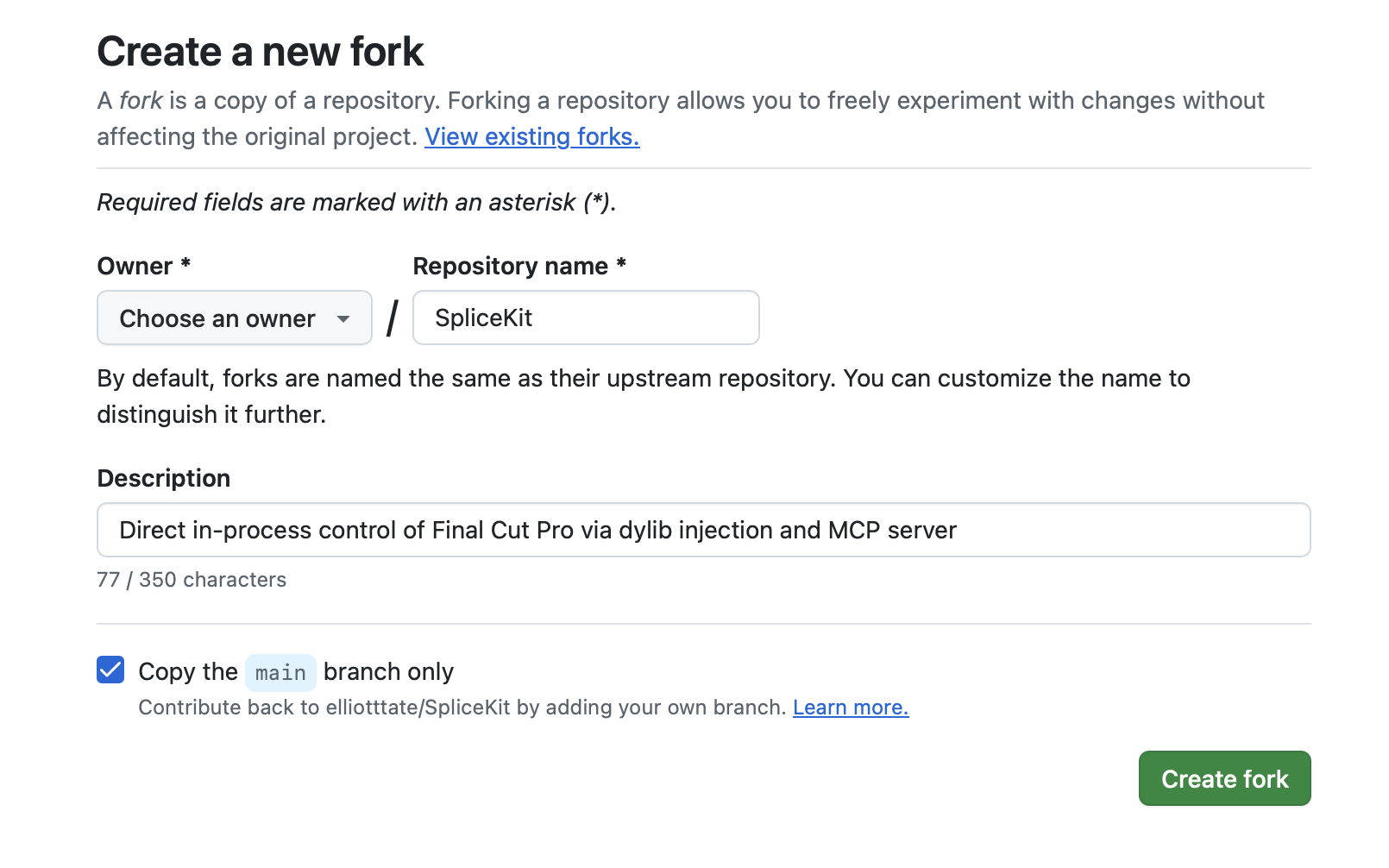
You now have your own Fork of SpliceKit! 🥳
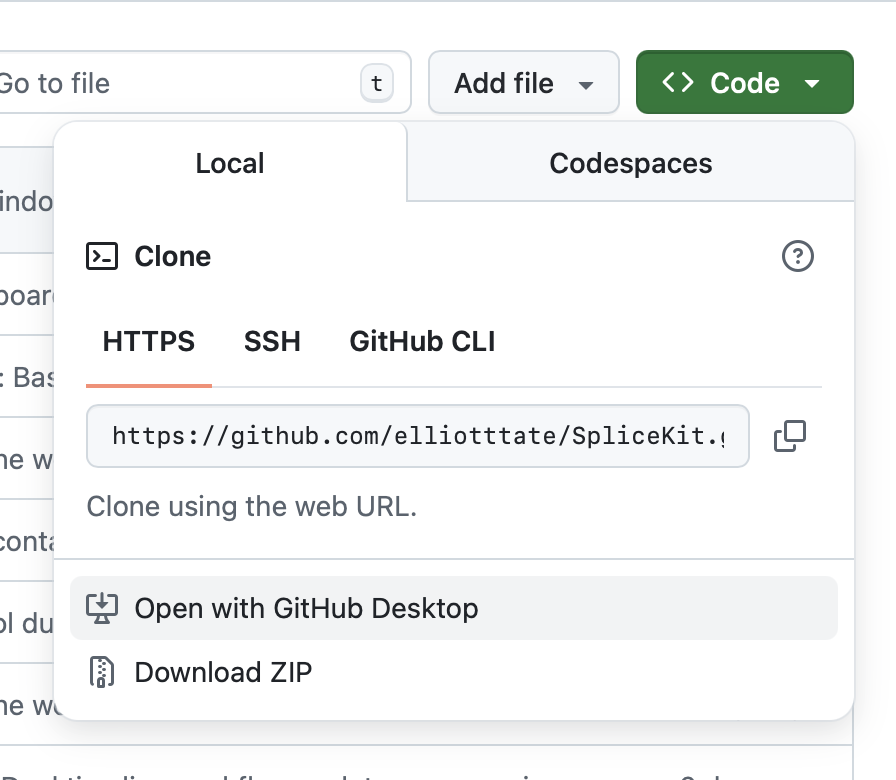
Now click the green Code button, then Open with GitHub Desktop:
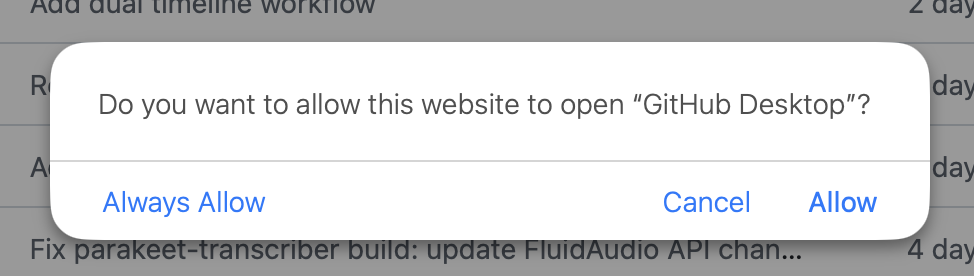
On Safari you'll be presented with a warning, click Allow:
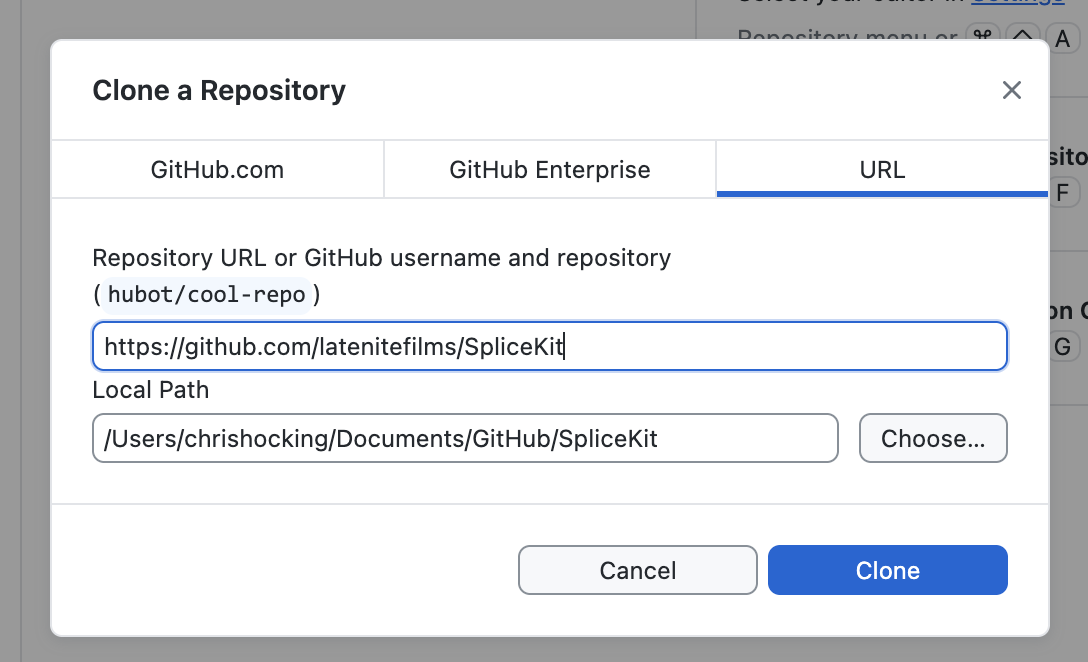
In GitHub Desktop choose where you want to save your local files, then click Clone:
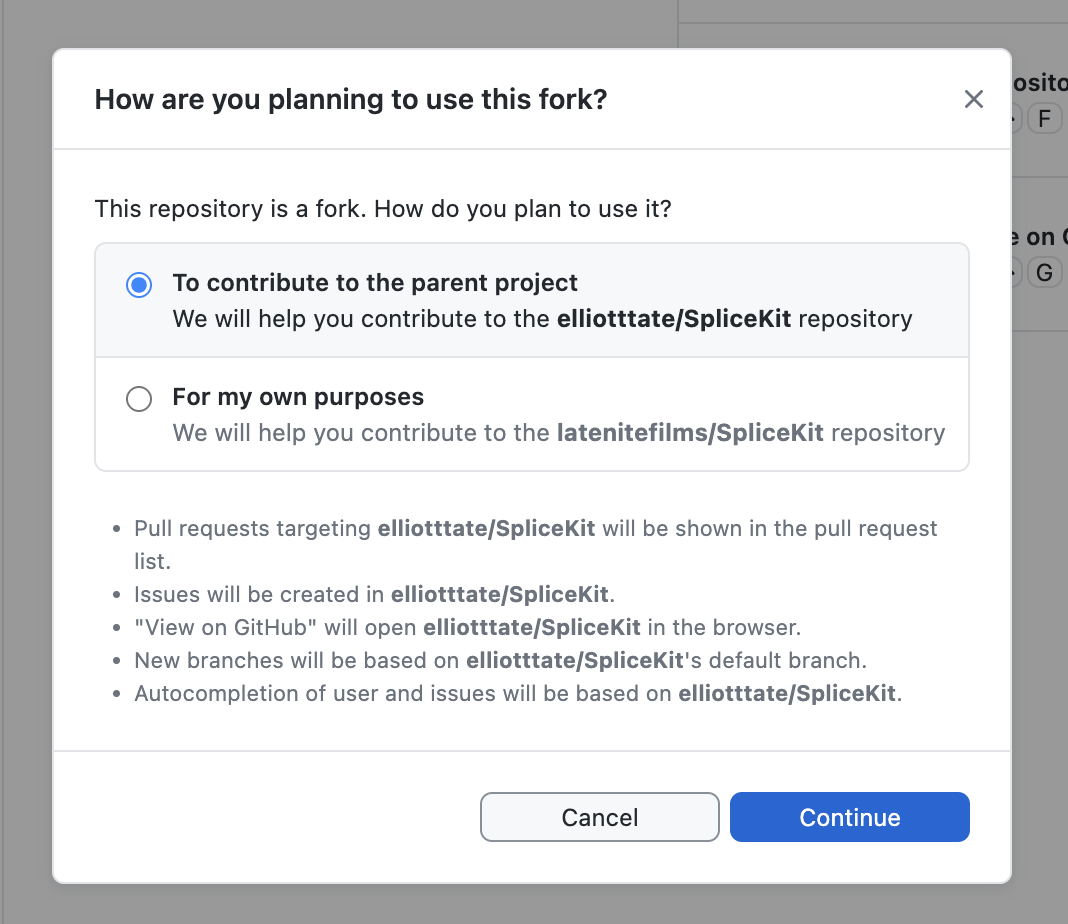
GitHub Desktop will ask you if you How are you planning to use this fork?, just leave it as To contribute to the parent project and click Continue:
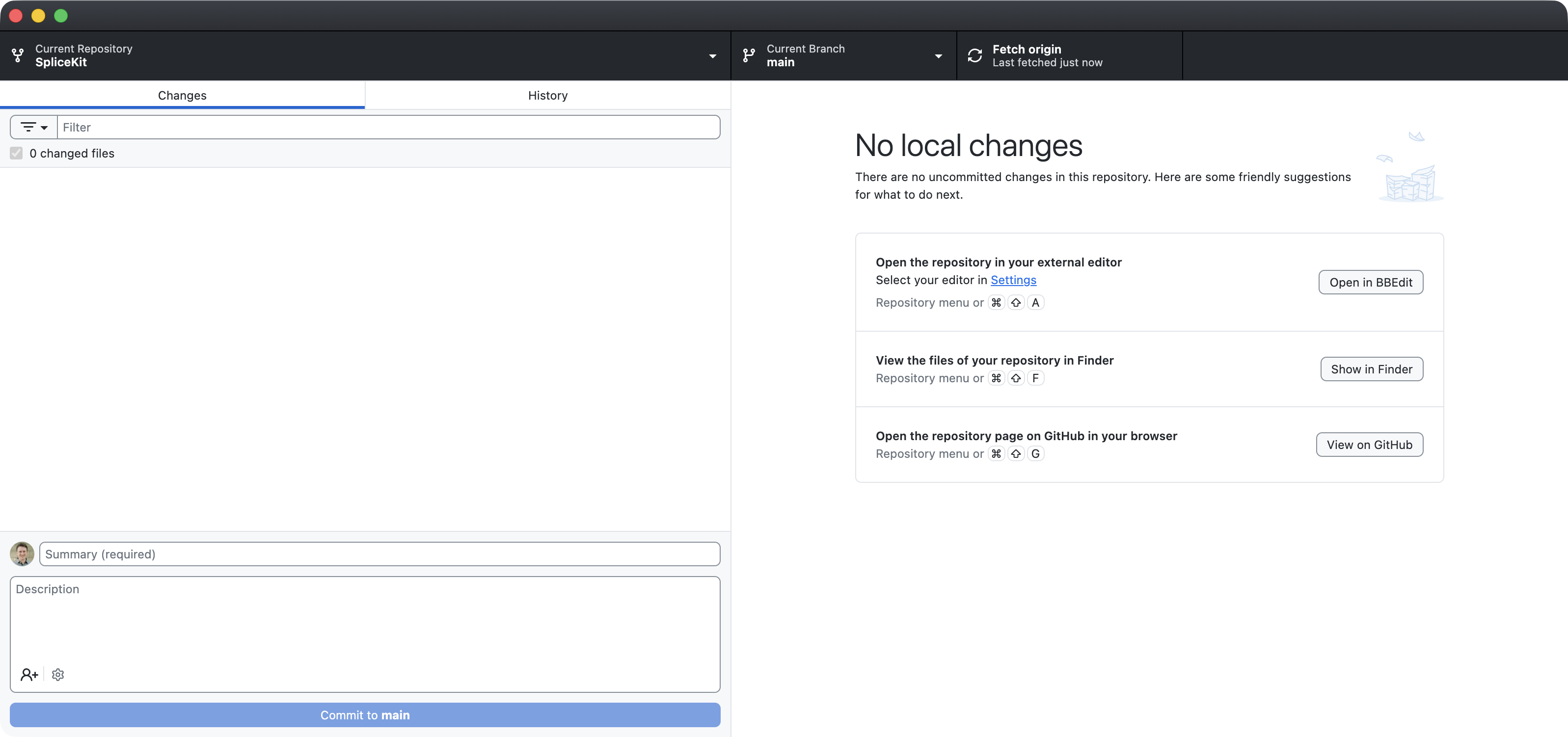
You now have the SpliceKit code on your local machine!
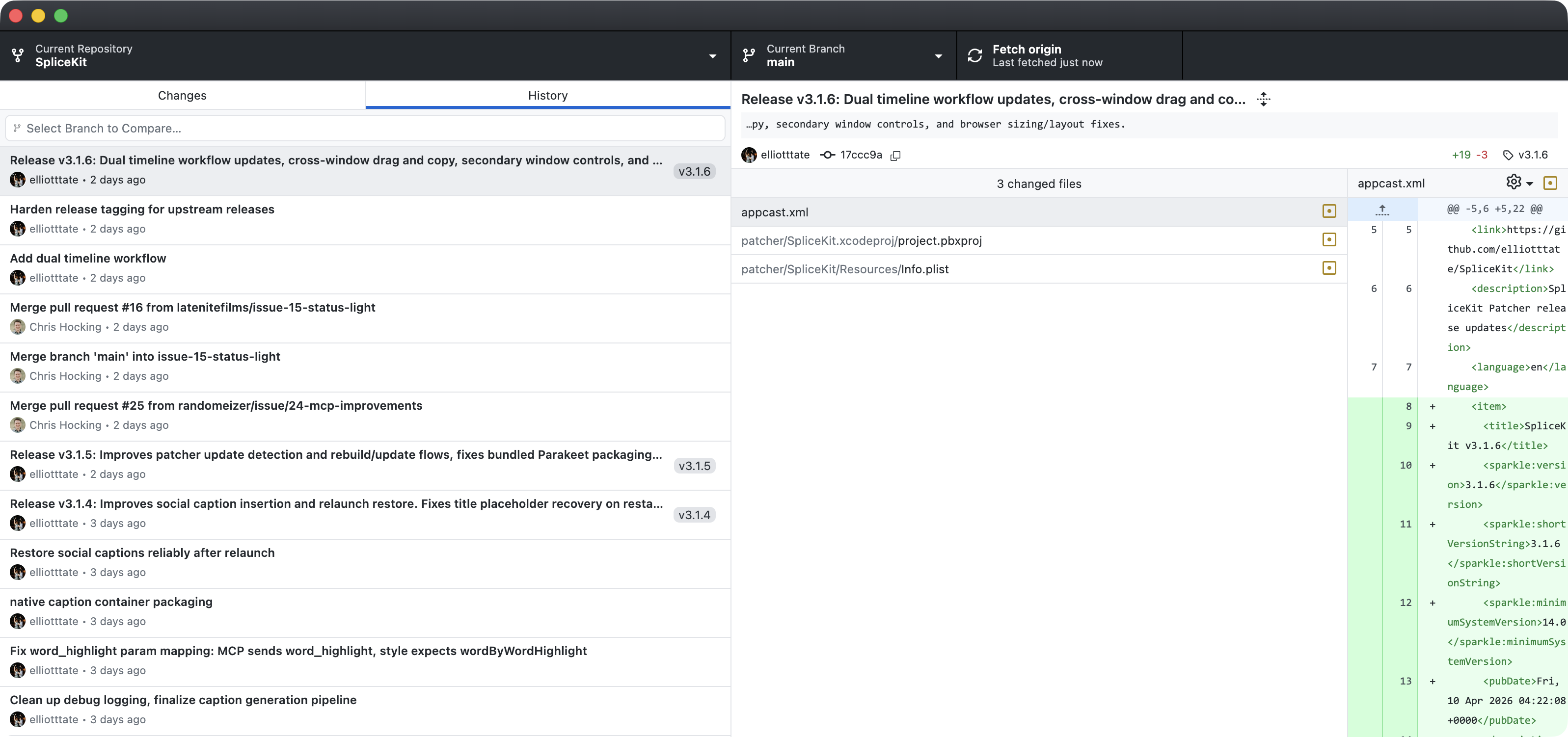
If you click over to the History tab, you can see all the code changes:
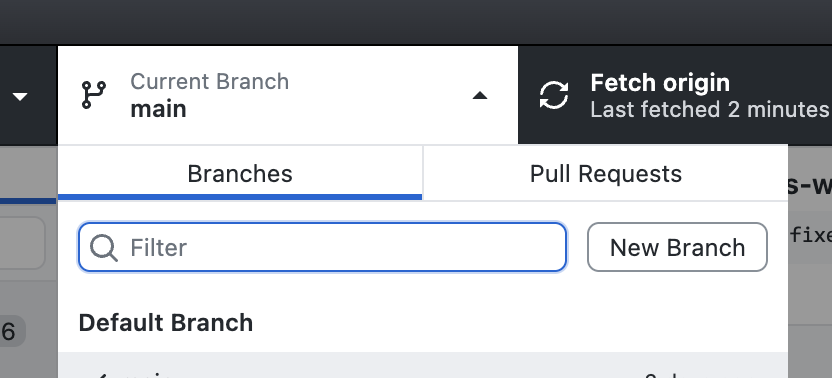
Click the Current Branch button then New Branch:
Type a name then click Create Branch:
You can now point your preferred LLM, such as Claude Code or Codex to the folder containing your code, and let it go nuts.
The LLM will recognise that you're in a GitHub fork, and can help you commit code (i.e save it to the GitHub Cloud) and make a Pull Request (i.e. submit your code to the wider SpliceKit project for review).
Happy Coding!