
Contribute
SpliceKit is open source and anyone can contribute to it.
In a world of large language models (LLMs), it's easier than ever.
Setting up GitHub
Download the free GitHub Desktop.
Once installed, go to the SpliceKit GitHub Repository.
If you don't already have a free GitHub Account, please create one.
GitHub is where people build software. More than 150 million people use GitHub to discover, fork, and contribute to over 420 million projects.
Once you have an account, back on the SpliceKit GitHub Repository, click the Fork button:
In the Owner dropdown, select your GitHub username, then click Create fork.
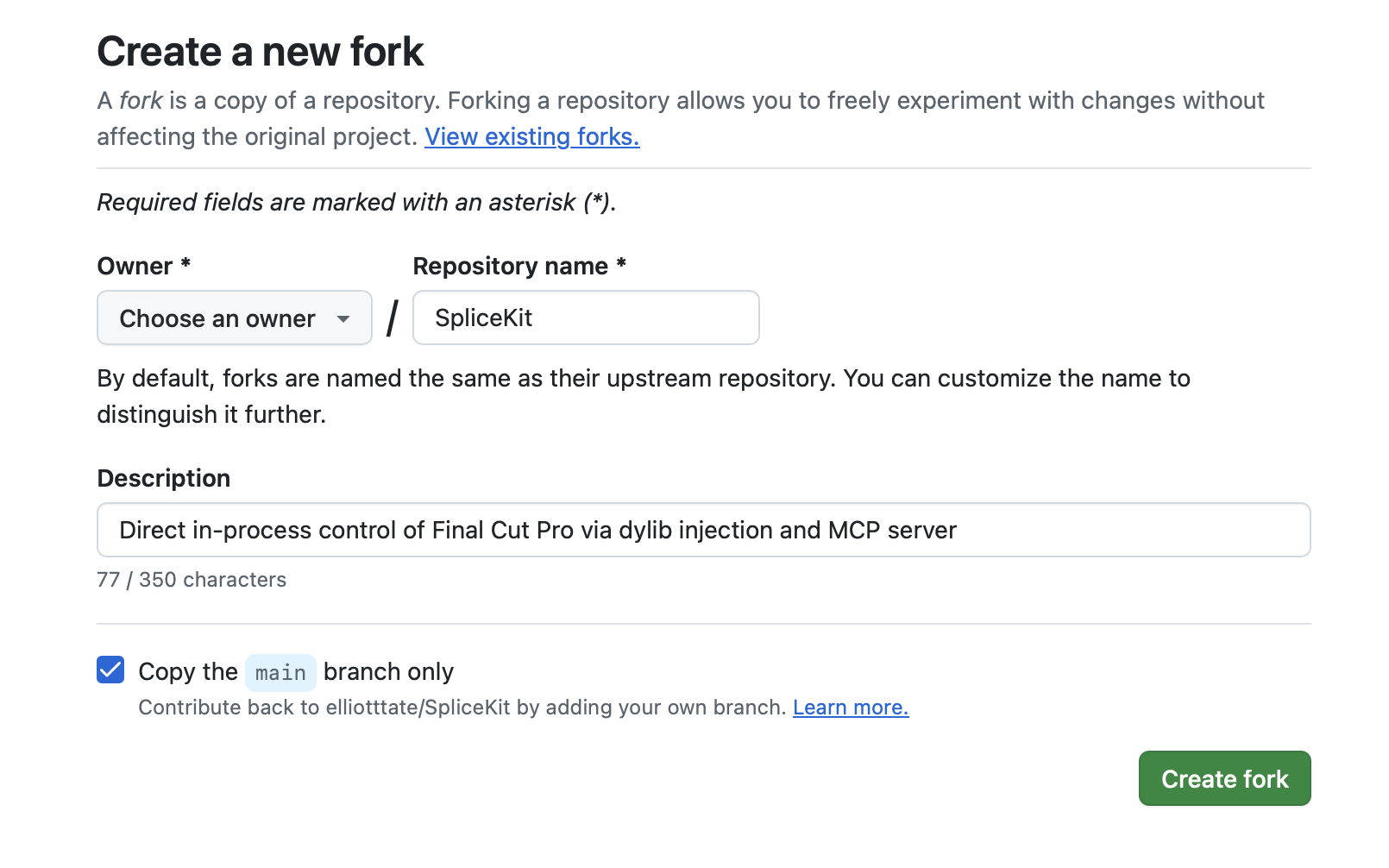
You now have your own Fork of SpliceKit! 🥳
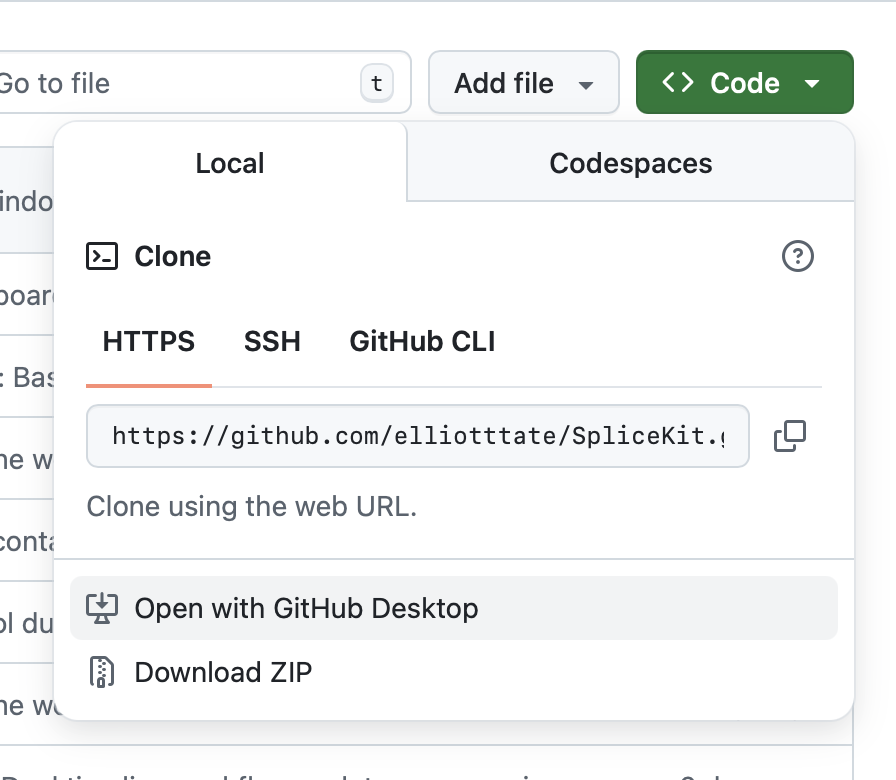
Now click the green Code button, then Open with GitHub Desktop:
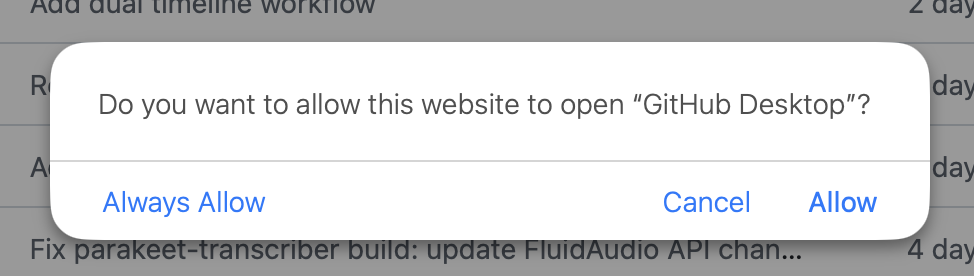
On Safari you'll be presented with a warning, click Allow:
In GitHub Desktop choose where you want to save your local files, then click Clone:
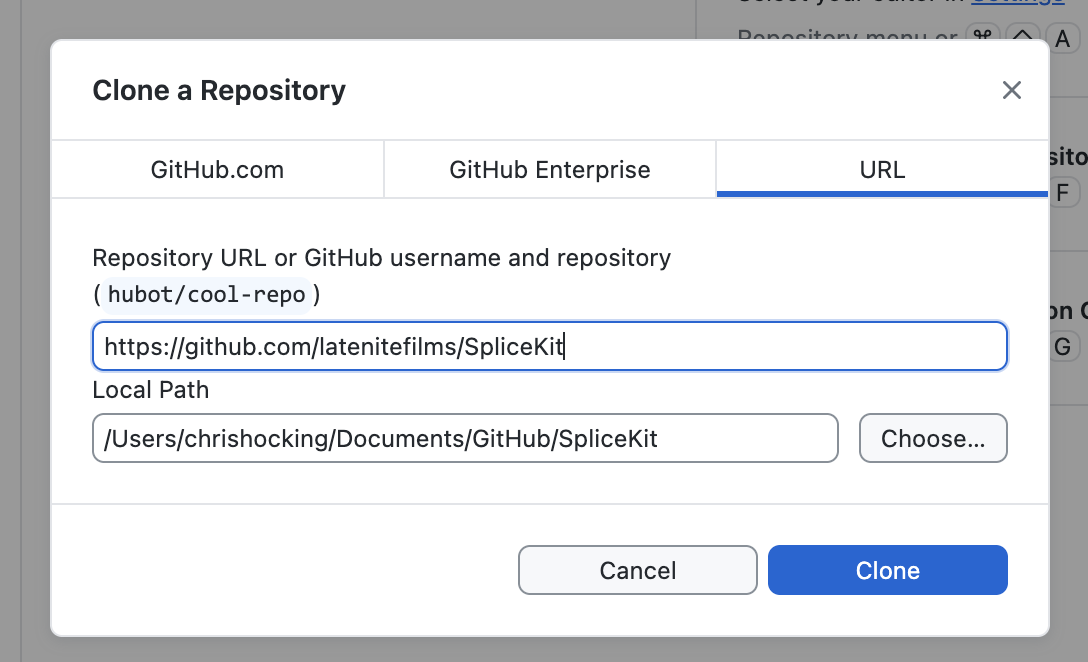
GitHub Desktop will ask you if you How are you planning to use this fork?, just leave it as To contribute to the parent project and click Continue:
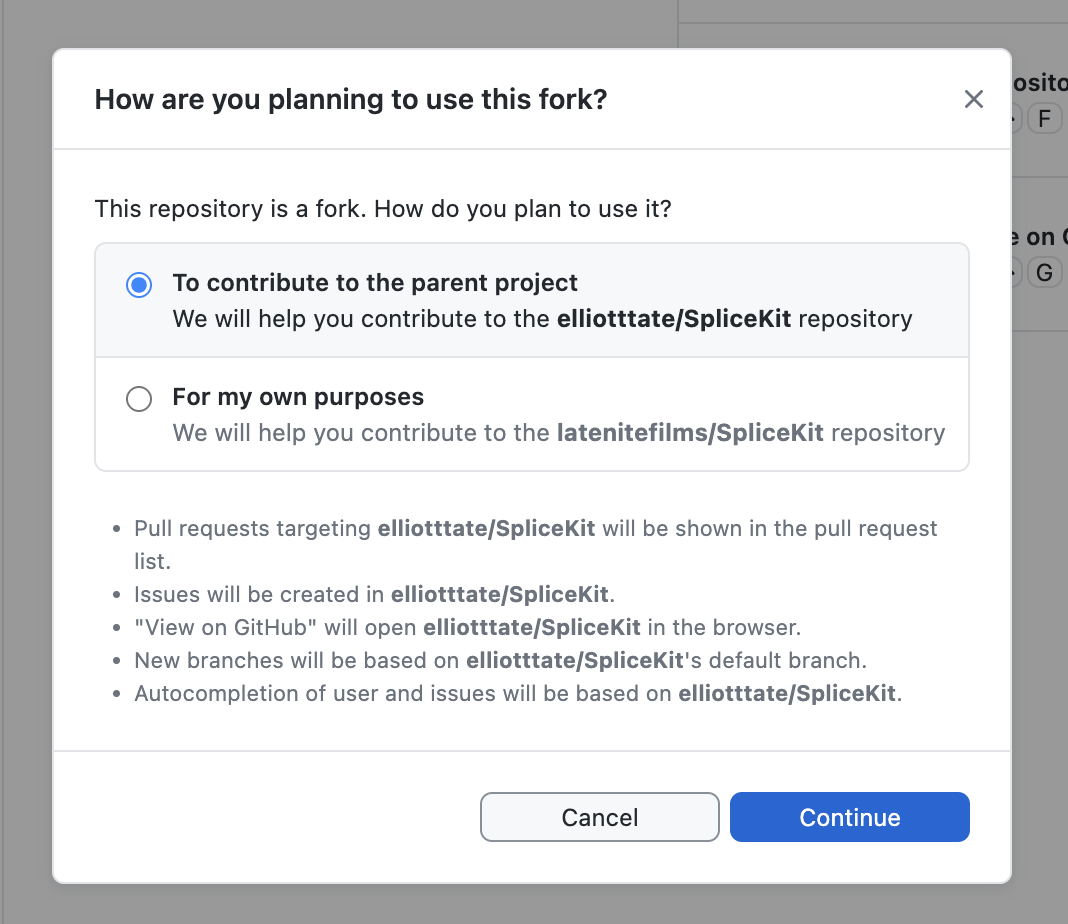
You now have the SpliceKit code on your local machine!
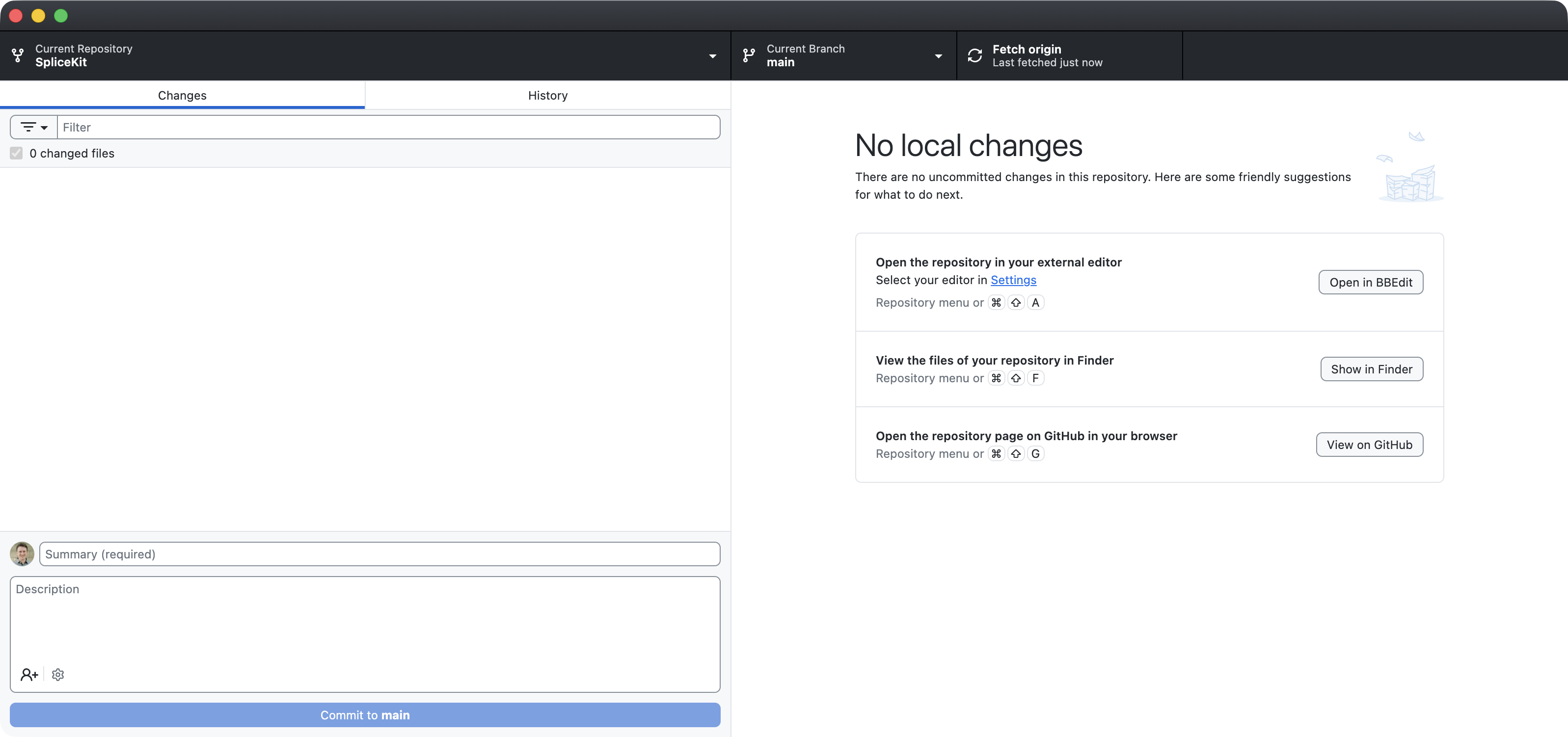
If you click over to the History tab, you can see all the code changes:
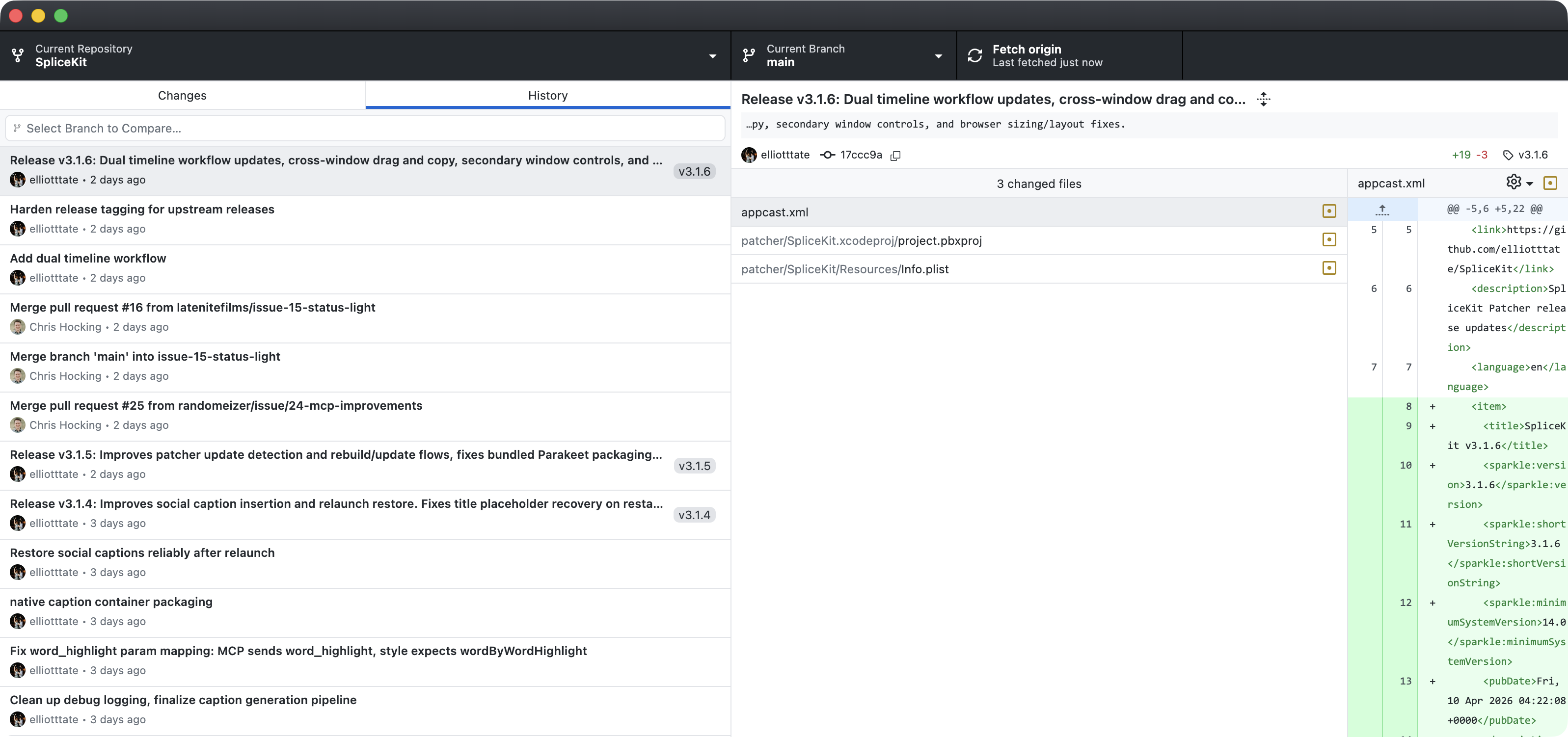
Click the Current Branch button then New Branch:
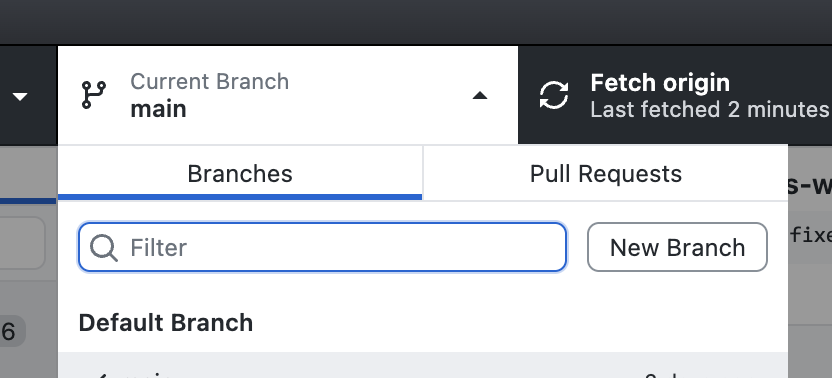
Type a name then click Create Branch:
You can now point your preferred LLM, such as Claude Code or Codex to the folder containing your code, and let it go nuts.
The LLM will recognise that you're in a GitHub fork, and can help you commit code (i.e save it to the GitHub Cloud) and make a Pull Request (i.e. submit your code to the wider SpliceKit project for review).
Happy Coding!
Building Plugins
If you're here to build things, this is the section for you.
What's actually happening
SpliceKit injects a dynamic library into a re-signed copy of Final Cut Pro. Once loaded:
- The full ObjC runtime is exposed (78,000+ classes including all private APIs)
- A JSON-RPC 2.0 server listens on
127.0.0.1:9876 - An MCP server translates tool calls into bridge RPCs
- Flexo, Ozone, TimelineKit, LunaKit, Helium, ProCore — all of FCP's internal frameworks — are reachable via direct
objc_msgSend - Crash points around CloudKit / ImagePlayground (which need entitlements a re-signed app doesn't have) are swizzled out
┌─────────────────────────────────────────────┐
│  Final Cut Pro (patched copy)               │
│  ┌───────────────────────────────────────┐  │
│  │  SpliceKit.framework (LC_LOAD_DYLIB)  │  │
│  │  ├── Command Palette                  │  │
│  │  ├── MCP / JSON-RPC server on :9876   │  │
│  │  ├── Plugin loader (hot-reload)       │  │
│  │  └── your plugins here                │  │
│  └───────────┬───────────────────────────┘  │
│              │ objc_msgSend                  │
│  ┌───────────▼───────────────────────────┐  │
│  │  Flexo / Ozone / TimelineKit / ...    │  │
│  └───────────────────────────────────────┘  │
└──────────────────────┬──────────────────────┘
                       │ TCP :9876
        ┌──────────────▼──────────────┐
        │  MCP server / Python REPL / │
        │  nc / curl / Lua / your app │
        └─────────────────────────────┘
Ways to build
- Native plugin (ObjC / Swift / C++) — link against
SpliceKit.framework, drop your dylib into the plugins folder, hot-load it withdebug.loadPlugin. Examples inPlugins/andSources/. - Lua, inside FCP — Ctrl+Opt+L opens a REPL with an
skmodule. Drop.luafiles into~/Library/Application Support/SpliceKit/lua/auto/for live coding. Full SDK in docs/LUA_SDK_REFERENCE.md. - Python / any language with a TCP socket —
python3 Scripts/splicekit_client.pygives you an interactive runtime REPL. Or:echo '{"jsonrpc":"2.0","method":"system.version","id":1}' | nc 127.0.0.1 9876 - MCP tools — expose your plugin's capabilities as MCP tools and any AI client can drive them.
- Ask an AI to build it — the API reference in
docs/is written to be AI-consumable. Describe what you want, hand the spec to Claude, and it can write the plugin for you. - Open a PR to SpliceKit itself — if the thing you built is useful to other editors, send it upstream. The bundled "features" (Text-Based Editor, Silence Remover, LiveCam, Song Cut, etc.) all started as plugins. Fork the repo, drop your plugin in
Plugins/orSources/, and open a pull request — community plugins are how SpliceKit grows.
Key FCP internals worth knowing
Build from source
git clone https://github.com/elliotttate/SpliceKit.git
cd SpliceKit
make all && make deploy