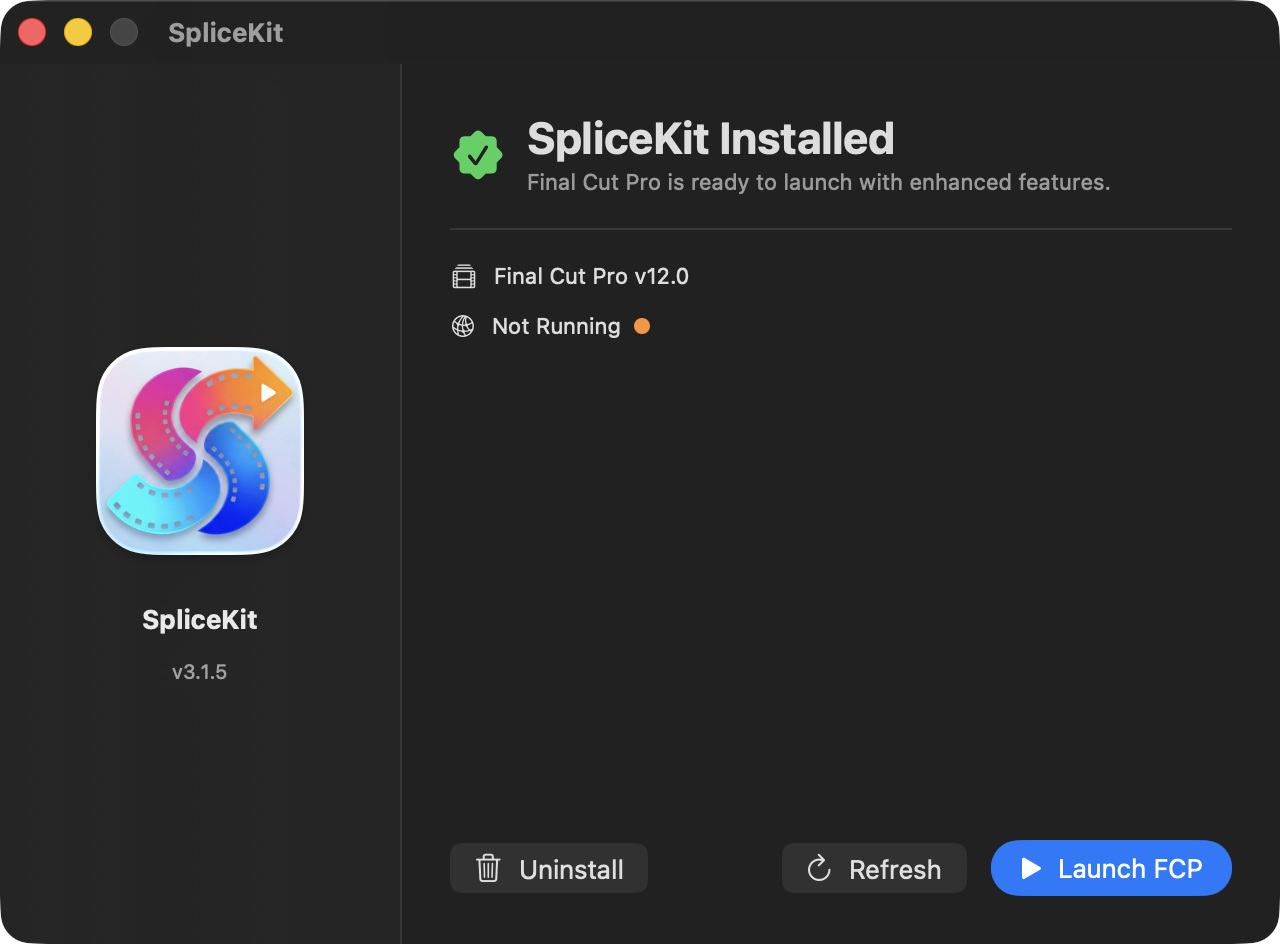
Installation
Make sure you have Final Cut Pro v12 (lifetime/perpetual) and/or Final Cut Pro Creator Studio v12 (subscription) installed.
Download the latest SpliceKit DMG from the website.
Open the DMG and drag SpliceKit into your Applications folder:
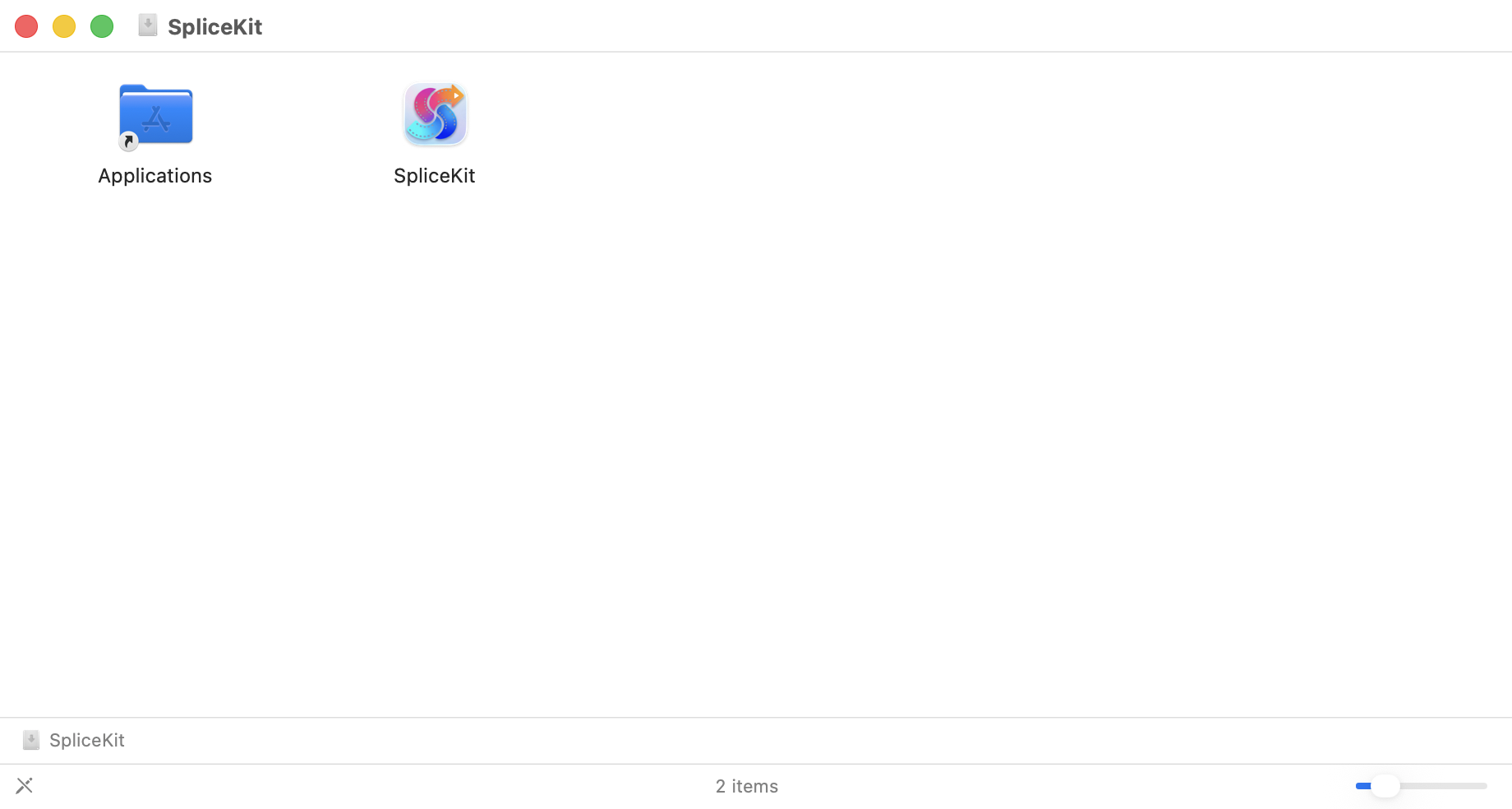
Launch SpliceKit from your Applications folder.
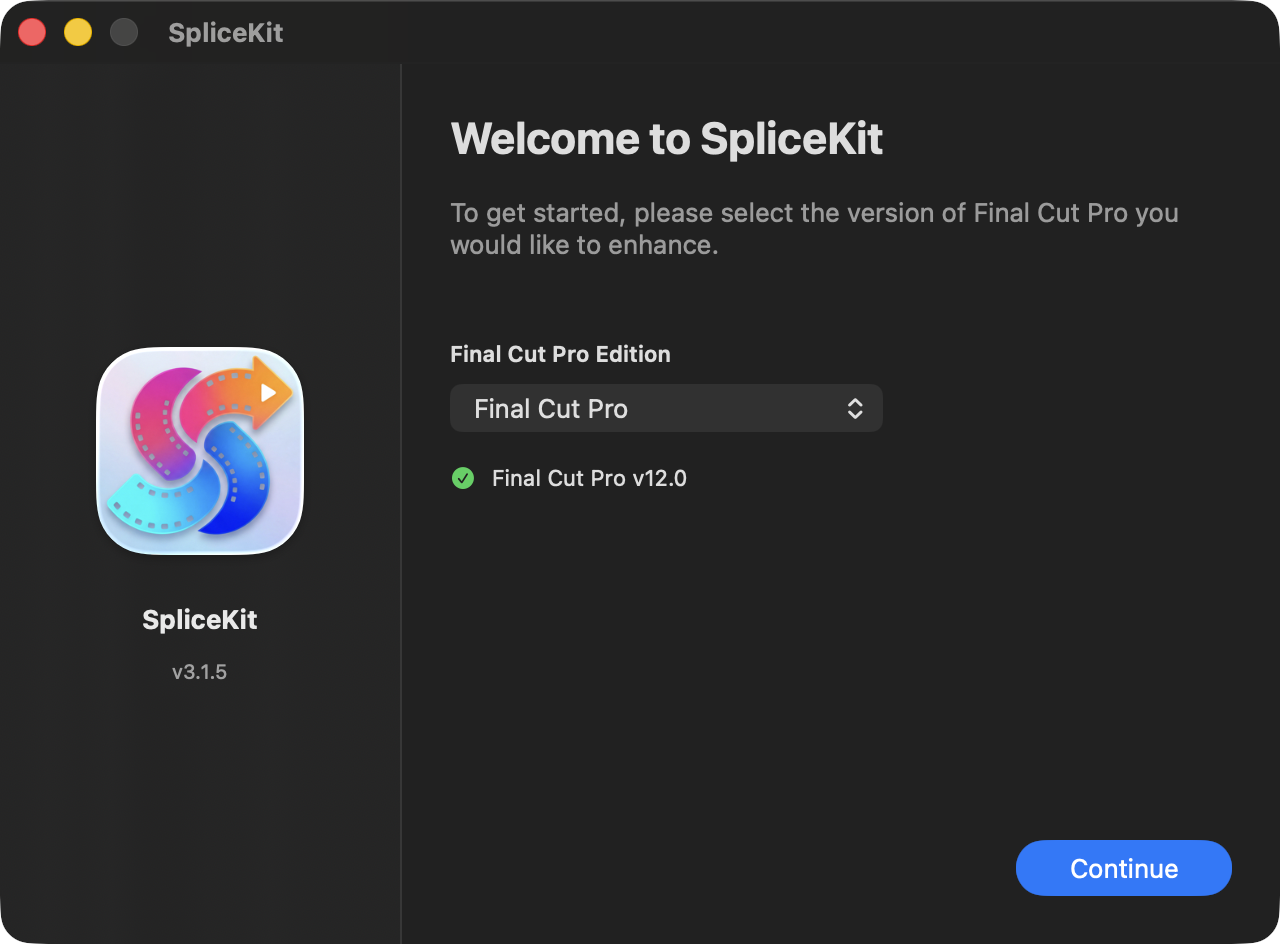
Pick the version of Final Cut Pro you want to use and click Continue:
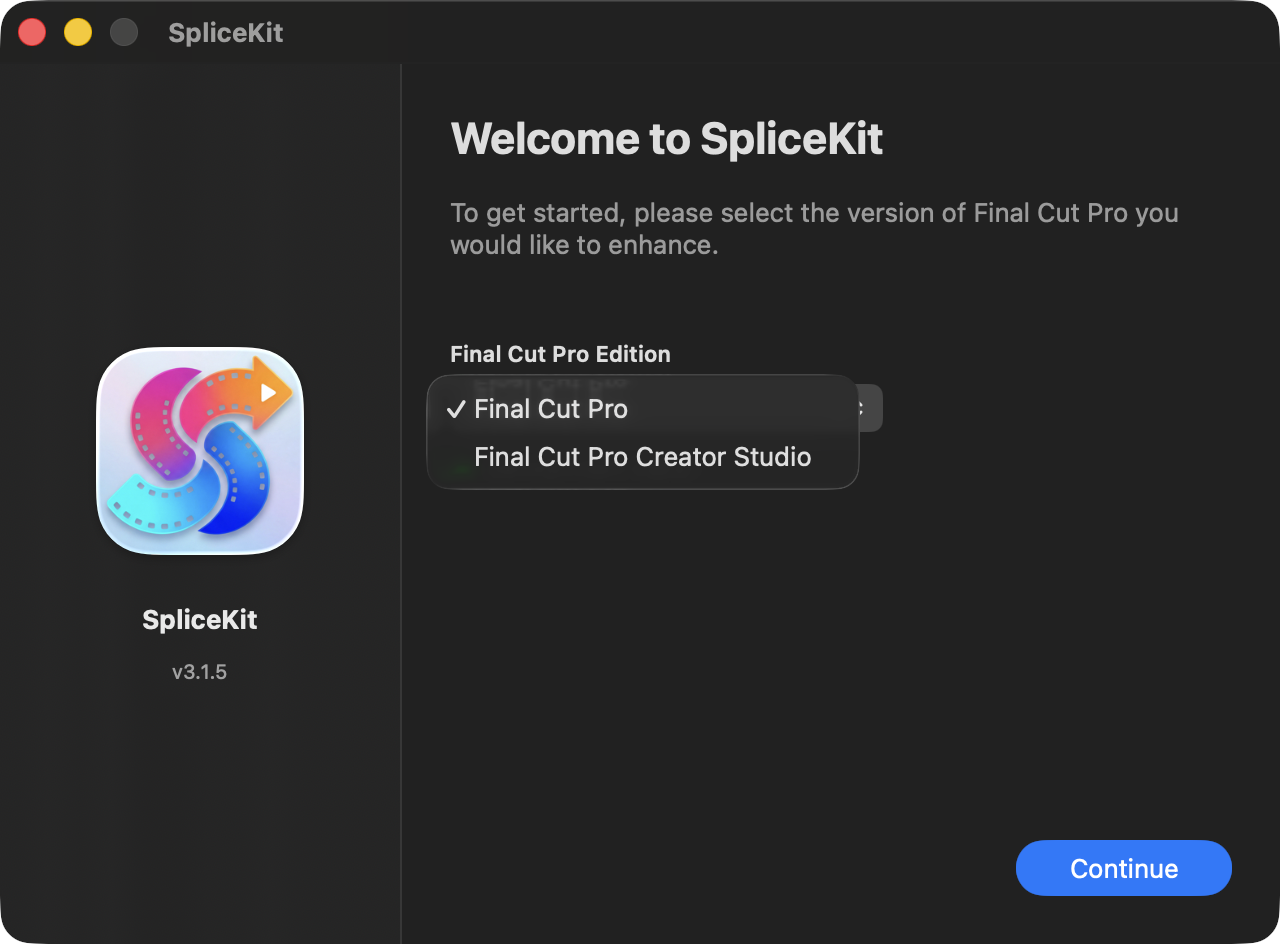
SpliceKit will "patch" Final Cut Pro:
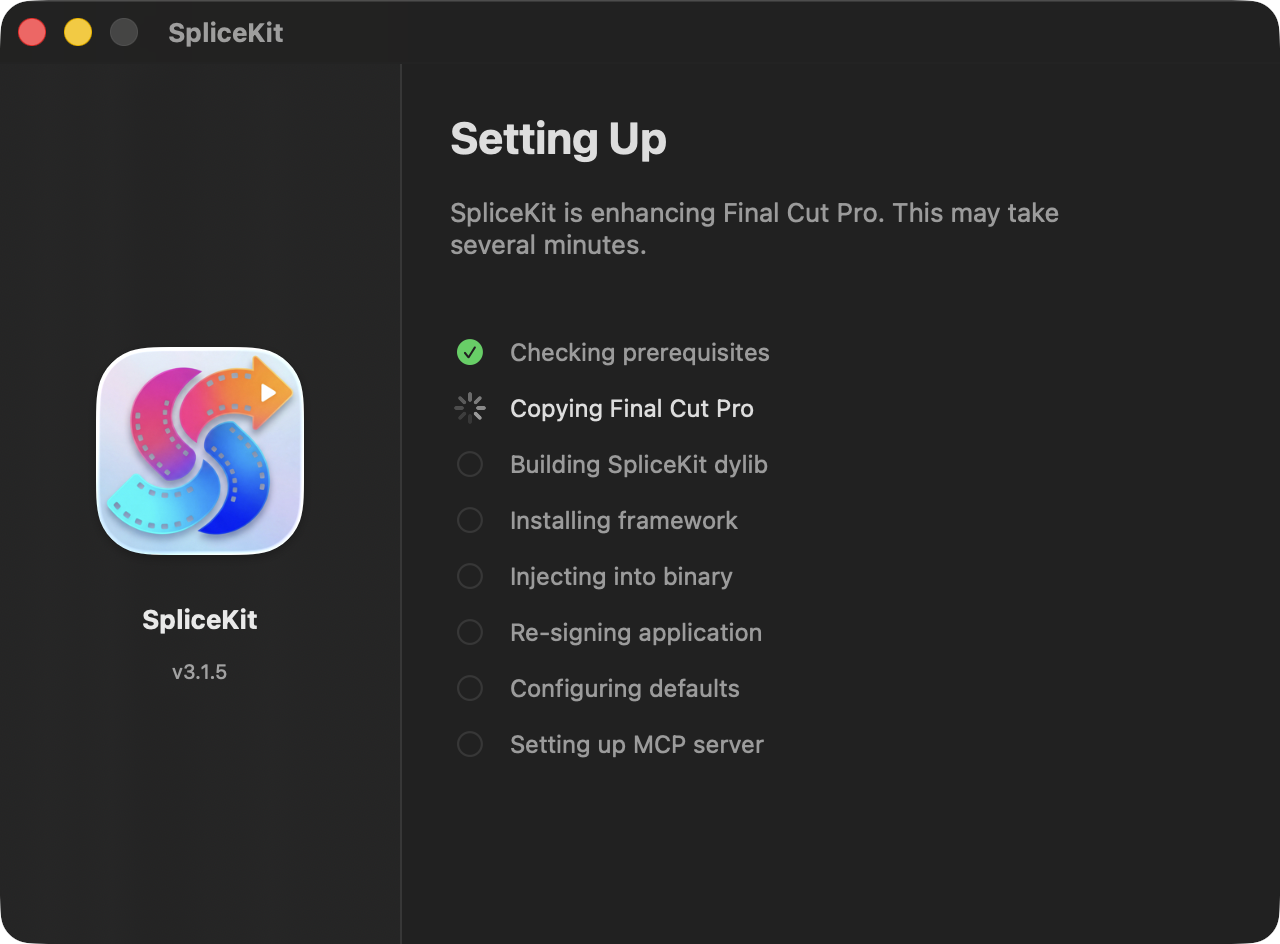
You will be prompted with:
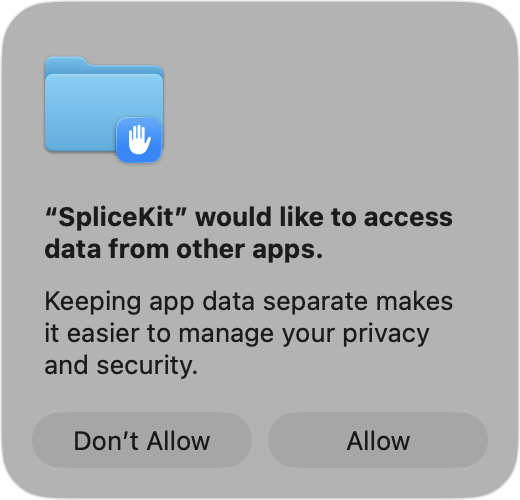
Click Allow.
SpliceKit has now "patched" Final Cut Pro and it's ready to go!
Click Launch FCP to launch the "patched" Final Cut Pro: